
SEE IT IN ACTION
Access your policies anytime, nights or weekends.
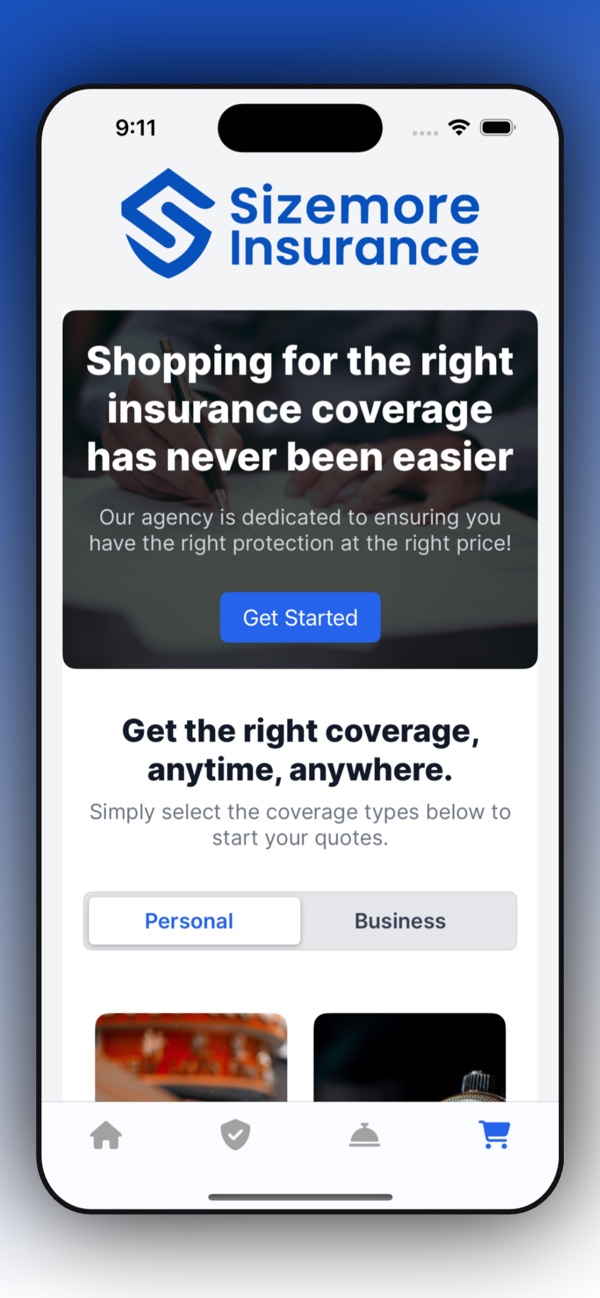
One more benefit of being a Sizemore client, along with the local team that stands behind you. Tap a feature to see it in the app.
GET SET UP IN THREE STEPS
Three quick steps.
Check each one off as you go.
- 1
Download the app.
Search "Sizemore Insurance" on the App Store or Google Play. It's free.


- 2
Add your phone number.
Open the app and enter your mobile phone number.
- 3
See your policies and ID cards.
Your policies, ID cards and documents are there whenever you need them.
WATCH HOW IT WORKS
Set up the app with us.
WHAT YOU CAN DO
Everything in one place.
The Sizemore Insurance app puts your coverage at your fingertips.
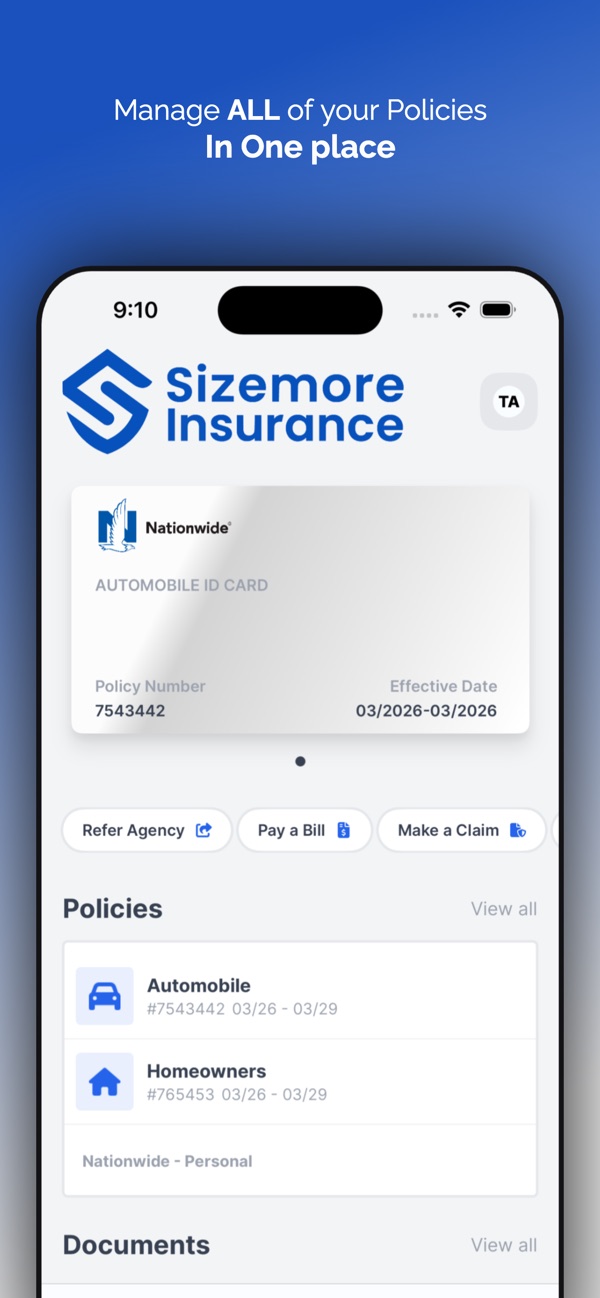
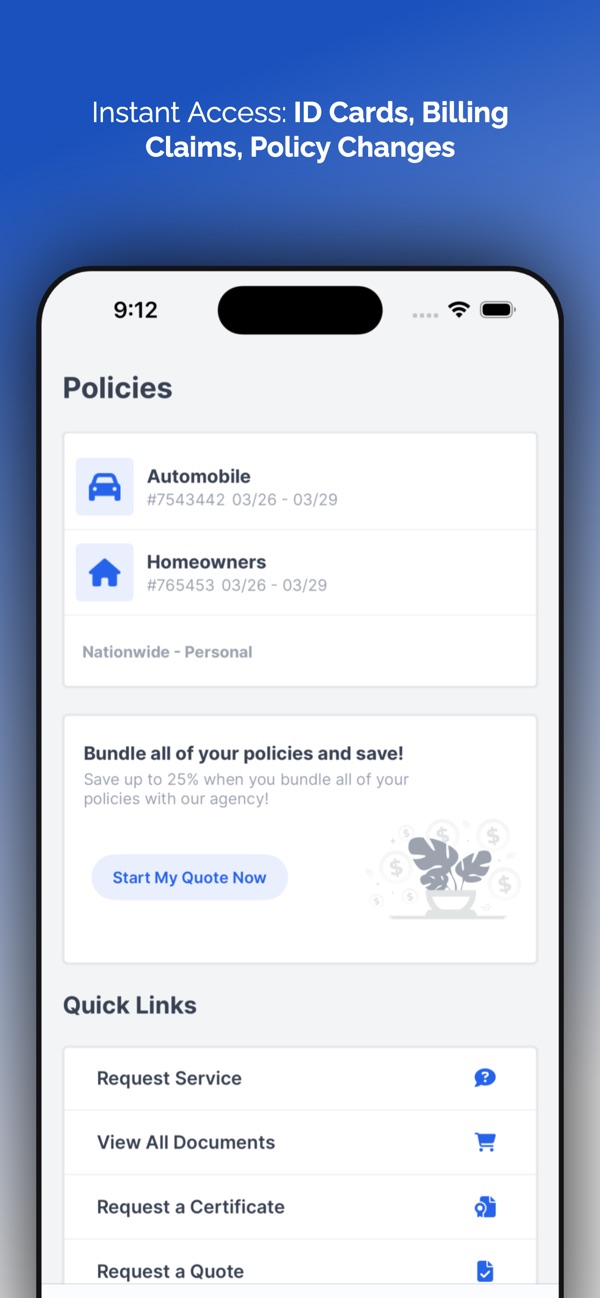
All your policies
Auto, home and more, together in one place.
ID cards
Your auto ID card on your phone, ready to show.
Policy documents
View your policy documents any time.
Certificates
Request a certificate of insurance.
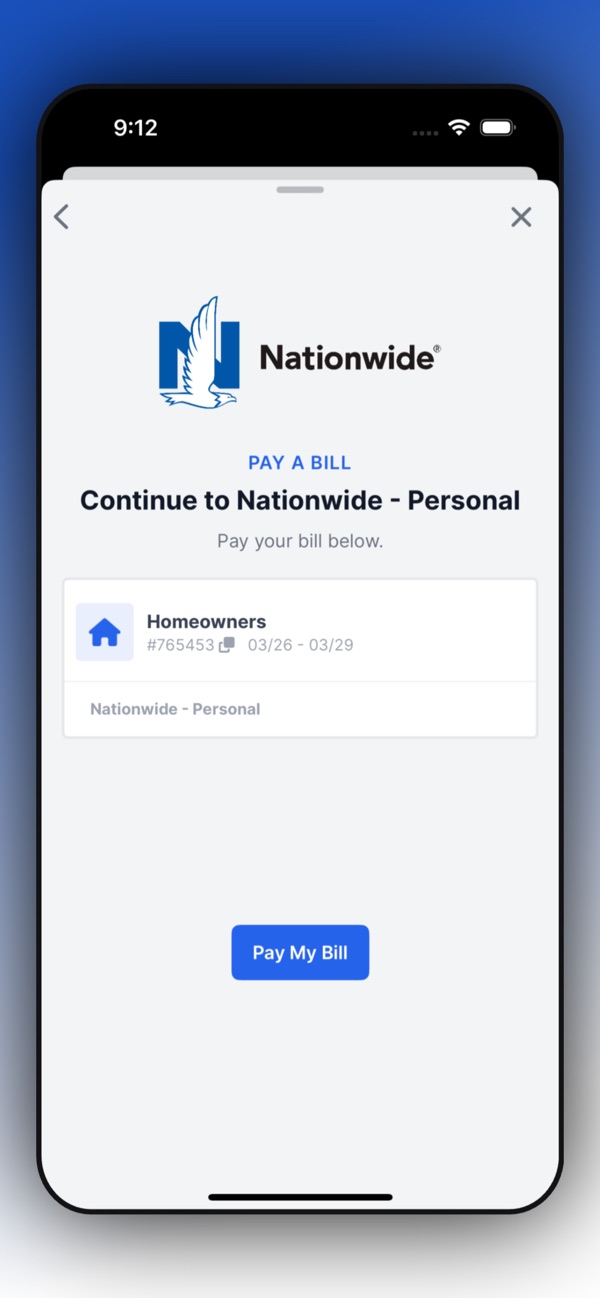
Pay a bill
Go straight to your carrier's payment page.
Report a claim
Start a claim right from the app.
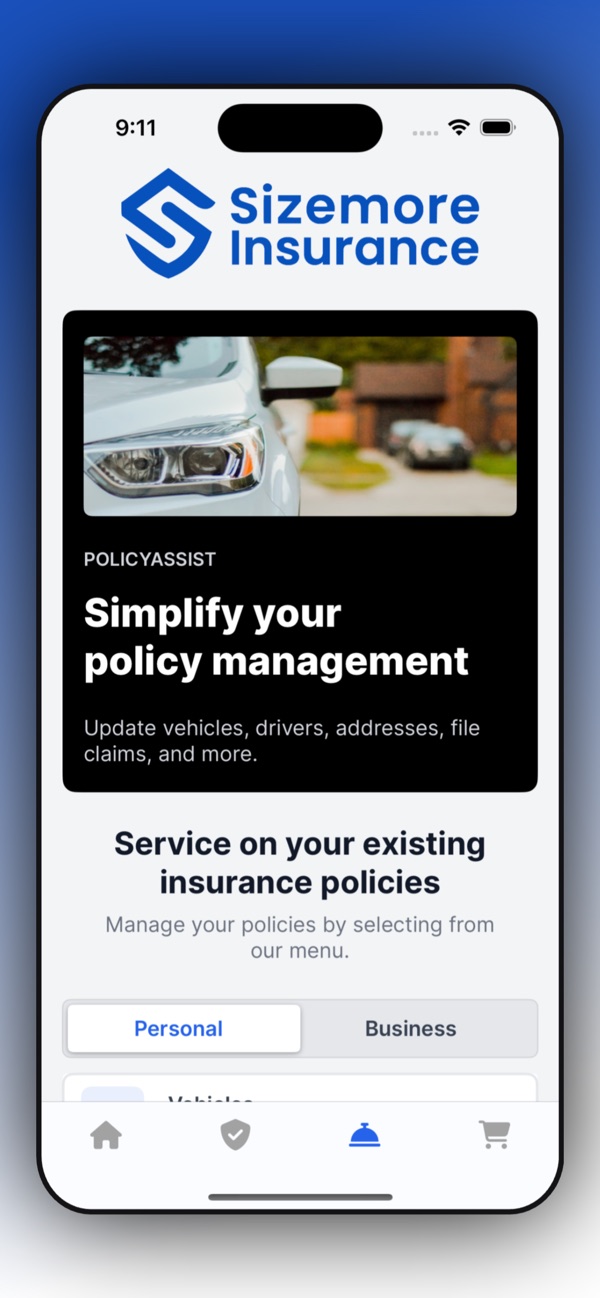
Update your policy
Vehicles, drivers and addresses.
Get a quote
Personal or business coverage.
QUESTIONS
Good to know.
Is the app free?
Yes. The Sizemore Insurance app is free on the App Store and Google Play.
Does it work on Android?
Yes. It's available for iPhone on the App Store and for Android on Google Play.
What can I do in the app?
See all of your policies and your auto ID card, view documents, request a certificate, pay a bill, report a claim, update vehicles, drivers and addresses, and get a quote.
Can I still reach my Sizemore team?
Always. The app is an extra way to take care of things on your schedule, and your Sizemore team is still here for you. Reply to any email from your agent whenever you'd like to talk.
Need a hand getting set up?
Reply to any email from your Sizemore agent and we'll walk you through it.